Random Transform Tool for Autodesk Maya
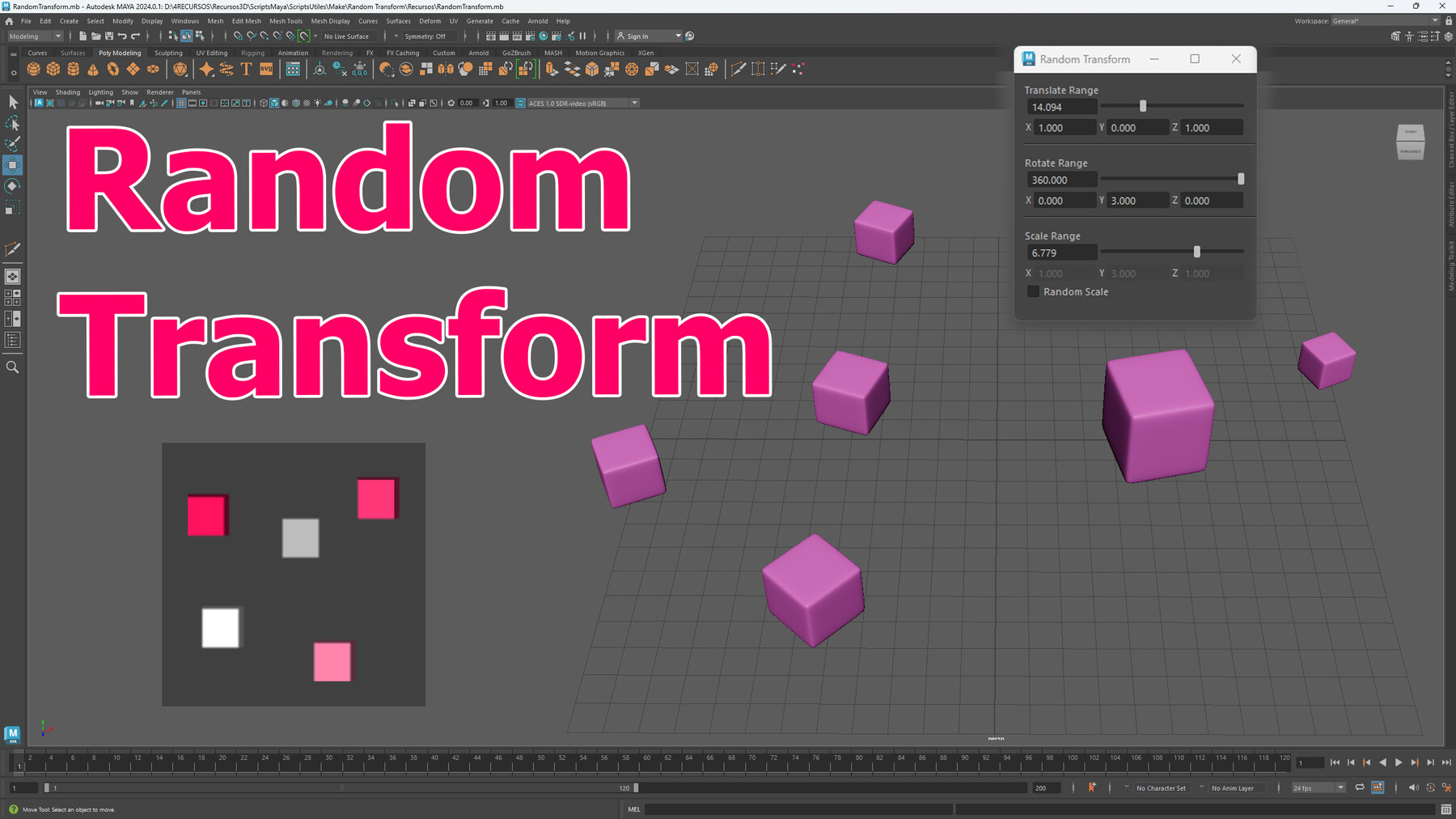
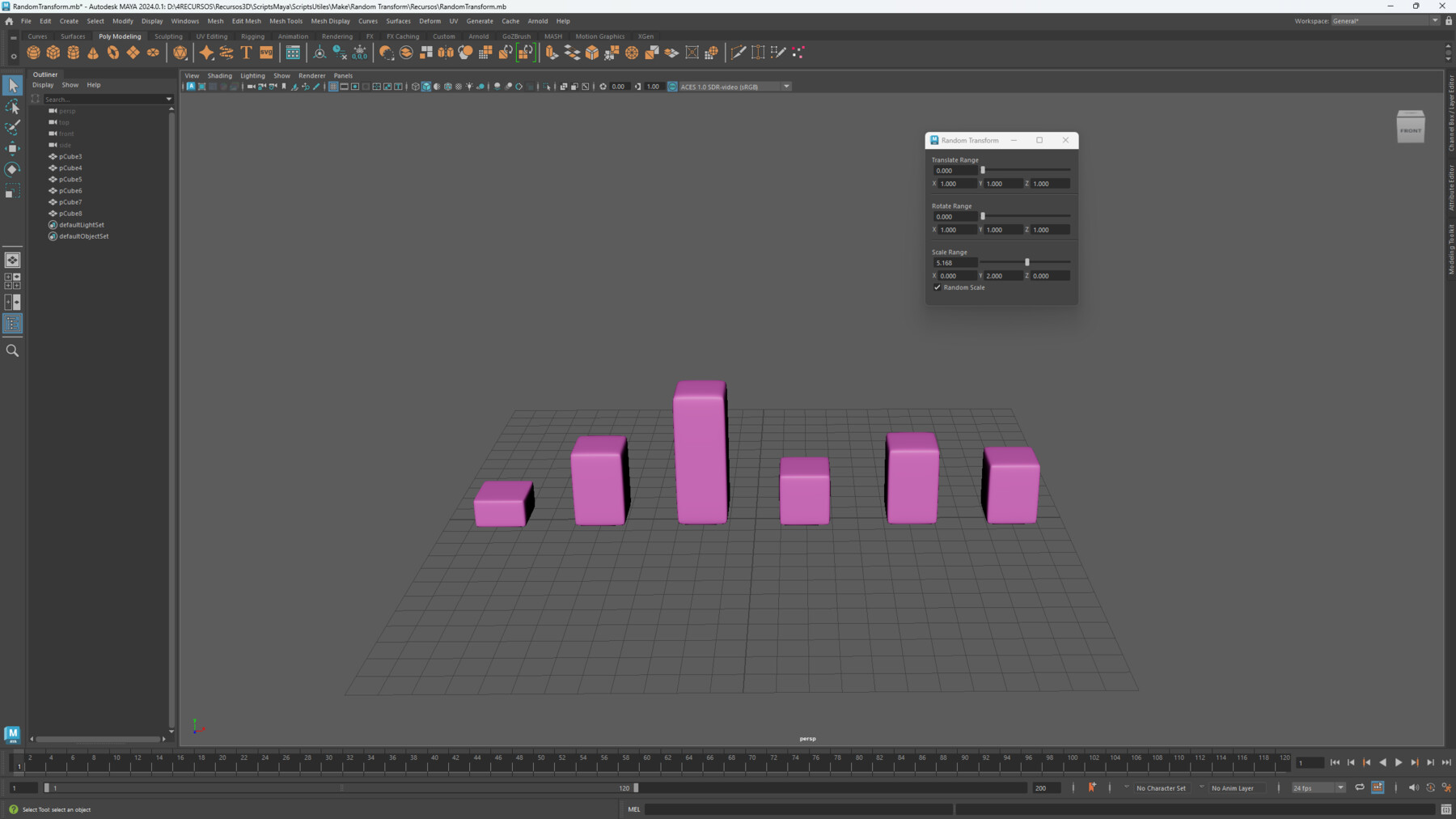
Boost your 3D modeling workflow with the Random Transform Tool, a versatile script designed to bring randomized transformations (translation, rotation, and scale) to any selected objects in Autodesk Maya. This tool is perfect for artists seeking to introduce variability into their scenes, making it ideal for creating organic arrangements, random object placements, or simply adding a touch of unpredictability to your designs.
Key Features:
Random Translation: Easily adjust the position of objects within a defined range on the X, Y, and Z axes. Customize the randomness intensity with dedicated text fields and sliders for precise control.
Random Rotation: Apply random rotations to your objects around the X, Y, and Z axes. Set rotational boundaries using the text fields, and fine-tune the random effect with intuitive sliders.
Random Scale: Add variation in size by applying random scaling to your objects. Use the Random Scale checkbox to choose between uniform scaling (keeping the original proportions) or non-uniform scaling (independent adjustments on each axis). Sliders and input fields give you complete control over scaling intensity.
Restore Original Transforms: The tool automatically saves the original transformations of your objects, allowing you to revert any changes by resetting the sliders to zero.
Intuitive Interface: The user-friendly interface offers easy access to controls, allowing real-time adjustments of transformation settings. Quickly toggle fields on or off using checkboxes to fit your workflow needs.
How to Use:
Select Objects: Pick the objects in your scene you want to apply random transformations to.
Set Parameters: Define intensity values in the text fields for translation, rotation, or scale. Use the sliders to adjust the overall randomness.
Toggle Random Scale: Use the checkbox to maintain uniform scaling if you want objects to keep their proportions, or leave it unchecked for non-uniform scaling.
Apply Transformations: Adjust the sliders to see real-time updates on your objects, showcasing the random transformation effects.
Reset to Original: Set any slider back to zero to instantly restore the original transformations of your objects.
Perfect For:
- Game developers needing dynamic asset positioning.
- Environment artists creating varied and natural-looking scenes.
- 3D modelers looking for quick ways to introduce variability.
- Designers wanting to add controlled randomness to their compositions.
This tool is a must-have for any 3D artist looking to enhance their workflow with effortless, controlled randomness. Add it to your toolkit to take your creativity to the next level!